The New Google Sheets
Rabu, 11 Desember 2013
0
komentar
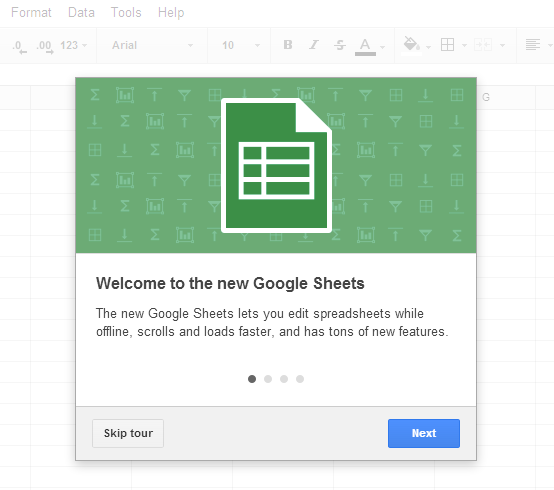
There's a new version of Google Sheets. "It's faster, supports larger spreadsheets, has a number of new features, and works offline," informs Google.
Just in case you're wondering how to enable it, you should go to Google Drive's settings page, enable "Try the new Google Sheets" in the Editing tab and click "Save". You'll get the new version of the application only for the files you create from now on. The existing files will still open in the old Google Sheets.
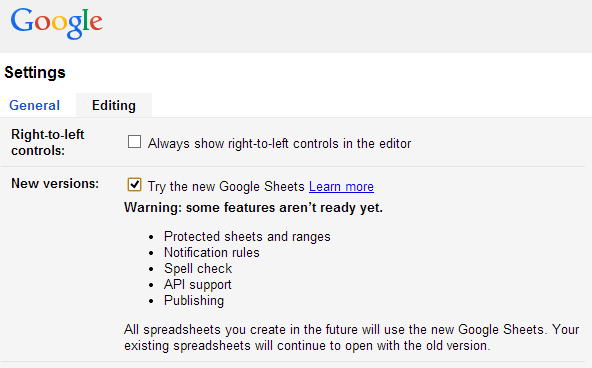
There are some missing features in the new Google Sheets (protected sheets, spell check, publishing) and this shows that this is an early release.
So what's new? You can create and edit spreadsheets offline in Chrome, just like in Docs and Slides. The new Sheets is designed with performance in mind and handles huge spreadsheets: it supports 2 million cells of data and all of the other limitations have been removed. You're no longer limited to 256 columns per sheet. Other improvements: spreadsheets load faster and scrolling is smoother.
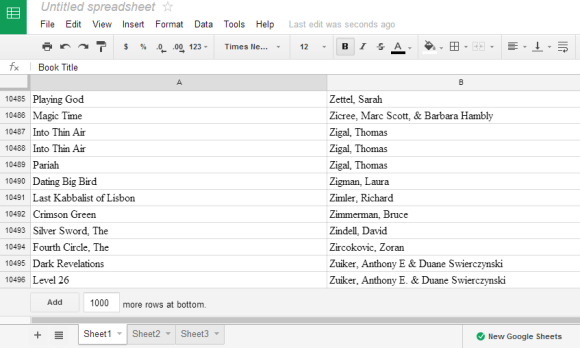
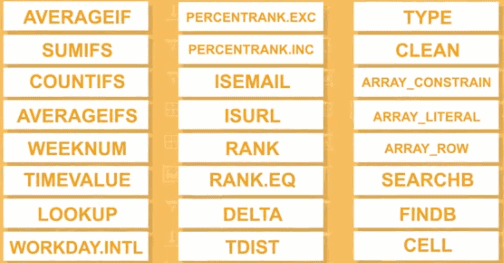
There are some new formula editing tools. "In the new Google Sheets, we've made it easier to build complex formulas in your spreadsheets. For example, you'll now see syntax highlighting, which shows you the argument in your function that you are working on, and you'll get more details on how to fix errors in your formula by hovering over them." Google also added 24 new functions, including SUMIFS, COUNTIFS, and AVERAGEIF.
Another new feature is called filter views and it lets you create, save and share filters, so you can get different views of your data without disrupting how others are viewing your spreadsheet.
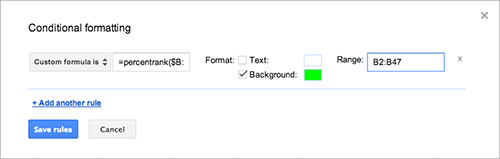
"In the new Google Sheets, you can apply conditional formatting using a custom formula. This allows you to apply formatting to a cell or range of cells based on the contents of other cells."
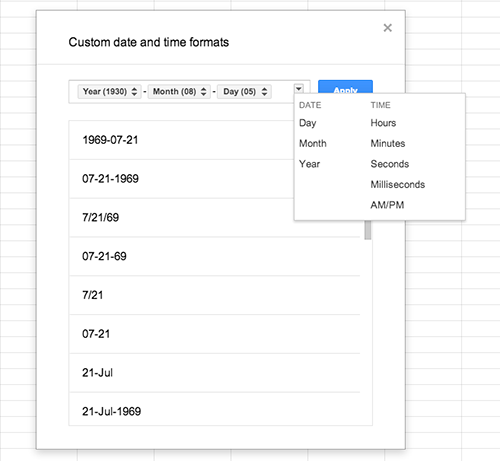
You can also add a color to each of your sheet tabs, paste a rotated version of the copied cells from a column to a row or from a row to a column, restrict find and replace to a range of cells and apply custom formatting for currencies, dates, and numbers.
Baca Selengkapnya ....